
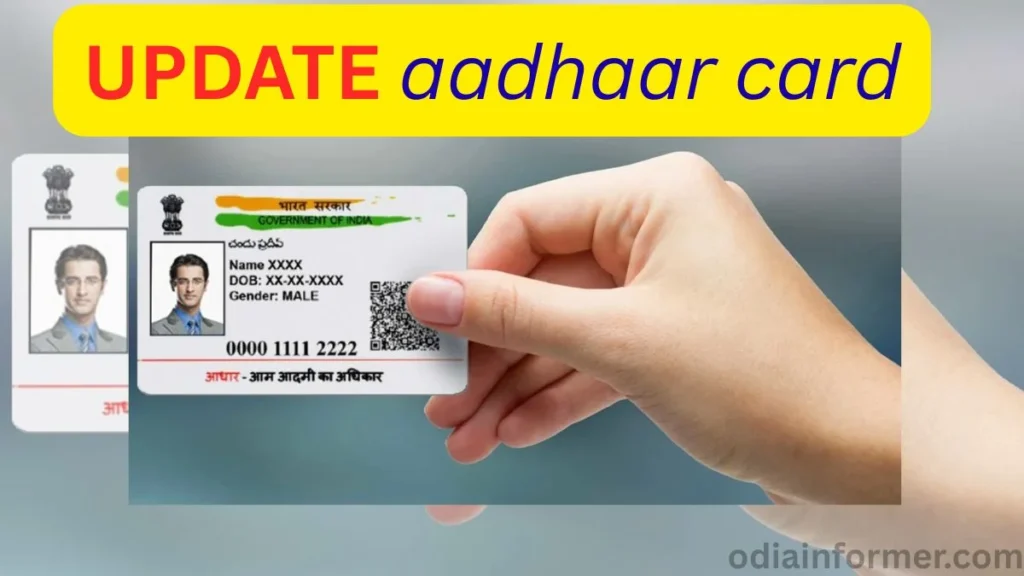
If your Aadhaar card details are outdated, incorrect, or your old documents have expired, you can easily update them online through the official UIDAI portal. The Government of India allows Aadhaar holders to update their identity and address proof every 10 years to keep records accurate.
In this guide, you will learn:
- How to update Aadhaar documents online
- Which documents are accepted
- How to upload files
- How to track Aadhaar update status
- How to download acknowledgment
Why Aadhaar Card Document Update Is Important
The UIDAI requires every Aadhaar holder to re-verify and update their documents every 10 years to ensure:
- Your identity is correct
- Your address is updated
- You receive government benefits
- Your Aadhaar remains valid
If your Aadhaar details are outdated, it may cause issues in banking, PAN linking, DBT, or government schemes.
Step 1: Open the UIDAI Portal
Open your browser and search for:
“myAadhaar UIDAI”
Open the official Government of India Aadhaar website.
You can also open it from the link given in the video description or pinned comment.
Step 2: Click on “Document Update”
You do NOT need to log in first.
Scroll down on the homepage and click on “Document Update”.
You will see the option to update:
- Proof of Identity
- Proof of Address
Click on “Proceed to Update Aadhaar”.
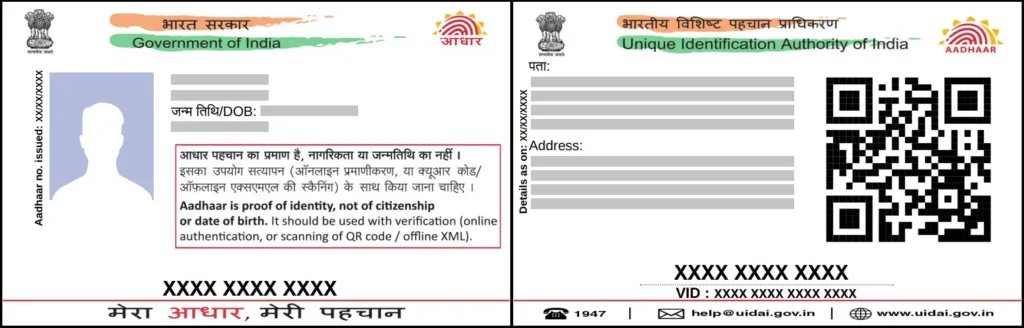
Step 3: Login with Aadhaar & OTP
Enter:
- Your Aadhaar Number
- Captcha Code
Click on “Send OTP”
An OTP will be sent to your Aadhaar-linked mobile number.
Enter the OTP and click Login.
Step 4: Select Documents to Update
Now choose which document you want to update:
Identity Proof (POI)
You can upload:
- Passport
- PAN Card
- Voter ID
- Driving License
Address Proof (POA)
You can upload:
- Passport
- Voter ID
- Driving License
- Electricity Bill
- Water Bill
- Telephone Bill
- Bank Passbook
- Ration Card
- Caste Certificate (SC/ST/OBC)
Some documents can be used for both identity and address.
Step 5: Upload Your Documents
Your documents must be in:
- PDF, JPG, PNG format
- Maximum size: 2 MB
Here I have explain how to compress image in online or offline
If your document has front and back side (like Voter ID), scan both sides and merge them into one PDF file.
You can:
- Take photos using mobile
- Convert them into PDF
- Compress the file under 2MB
Upload your document and click Continue.
Step 6: Accept Consent & Submit
Tick the consent box
Click Next
The service is 100% FREE.
After submission, you will get:
- SRN (Service Request Number)
- Acknowledgment receipt
Download and save this receipt.
Step 7: Track Aadhaar Update Status
Visit UIDAI portal again and go to
“Check Aadhaar Update Status”
Enter:
- Aadhaar Number
- SRN Number
Your request will go through:
- Verification
- Approval
- Completion
Once approved, your Aadhaar will be updated.
How Long Does It Take?
Usually:
- 7 to 15 working days
You will receive SMS updates on your registered mobile number.
How Often Can Aadhaar Documents Be Updated?
The Government allows Aadhaar document updates once every 10 years.
Once updated, your Aadhaar remains valid for the next decade.
Benefits of Updating Aadhaar
- No rejection in government schemes
- PAN, bank & DBT remain active
- Identity stays verified
- Address remains accurate
More Article:
- How to Apply for a New PAN Card Online in 2025 Using Aadhaar
- How to Publish a Professional WordPress Website
- How to Apply for Permanent Driving License Online in India
FAQs
Q1. Is Aadhaar document update free?
Yes, UIDAI provides this service completely free.
Q2. Can I update Aadhaar without visiting Aadhaar center?
Yes, everything can be done online through UIDAI portal.
Q3. What if my document is rejected?
You can re-upload corrected documents again.
Q4. Can I upload more than one document?
Yes, you can upload separate files for identity and address.
Q5. Is Aadhaar update mandatory?
Yes, UIDAI recommends document update every 10 years.