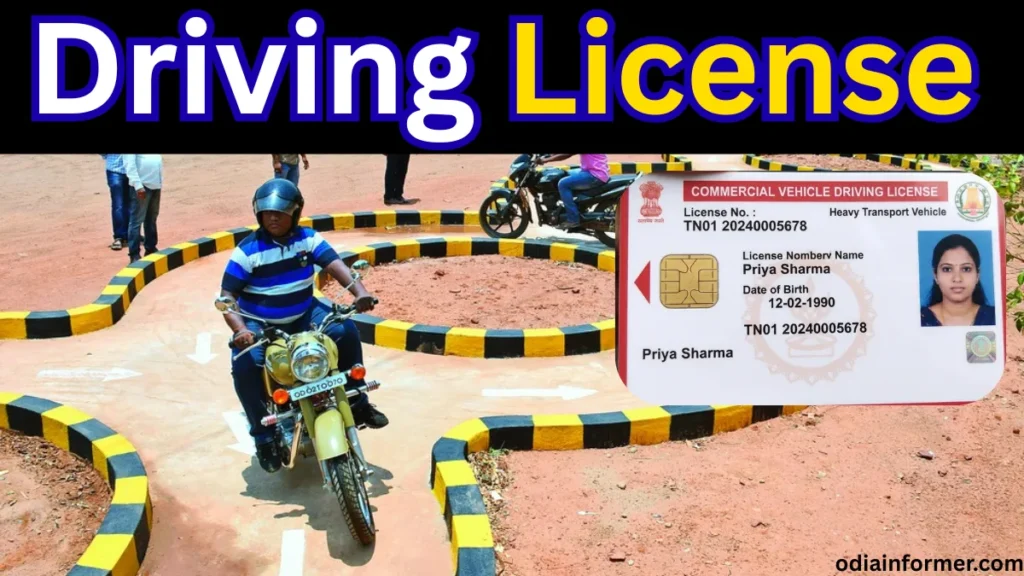
In this article, we will explain how to apply for a Permanent Driving License (also called a Regular Driving License) completely online using the Parivahan Sewa portal.
You will learn:
- How to apply online step by step
- How the driving test is conducted
- How much fee is required
- How to book a driving test slot
- How your driving license is delivered to your home
This guide is useful for anyone who has already passed the Learner License test and now wants to apply for a Permanent DL.
Step 1: Open the Official Parivahan Website
First, open any browser on your mobile or computer.
Search for:
Parivahan Sewa
Open the official website of the Ministry of Road Transport & Highways.
If any pop-up appears, simply close it.
👉 Select “Drivers / Learners License”
👉 Choose your State
Step 2: Choose “Apply for Driving License”
After selecting your state, you will see a list of services.
Click on:
👉 Apply for Driving License
👉 Click Continue
Now select:
✔ Holding Learner License
This option is only for users who already have a valid Learner License.
Step 3: Enter Learner License Details & OTP Verification
Enter your Learner License Number (received after passing LL test).
- Fill the Captcha Code
- Click Generate OTP
- Enter OTP received on your registered mobile number
- Tick “I hereby declare”
- Click Submit
Your details will now be verified automatically.
Step 4: Verify Personal Details (Auto-Filled)
Your details such as:
- Name
- Date of Birth
- Address
- Education Qualification
- Mobile Number
- Email ID
will be auto-filled from your Learner License.
⚠️ If any information is incorrect, update it before proceeding.
Step 5: Select Vehicle Category
Now select the type of vehicle for which you want a Permanent Driving License:
- 🏍 Motorcycle (with / without gear)
- 🚗 Light Motor Vehicle (Car)
You must select all vehicles for which you want to give the driving test.
Click Submit after selection.
Step 6: Confirm Address & Get Application Number
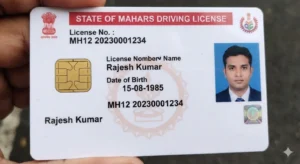
Your Smart Card Driving License will be delivered to the address shown on the screen.
✔ Confirm the address
✔ Click OK
An Application Number will be generated.
📌 Save this number carefully for future use.
Step 7: Upload Required Documents
You will need to upload:
Required Documents:
- Learner License copy (mandatory)
- Address Proof (Aadhaar / Passport / Voter ID)
Important Instructions:
- File size: Maximum 500 KB
- Format: JPG / PNG / PDF
- Aadhaar card must be uploaded front + back combined in one PDF
If needed, you can use online tools to merge or compress PDFs.
Step 8: Pay Driving License Fees Online
After document upload, proceed to payment.
💳 Payment methods:
- UPI
- Debit Card
- Credit Card
- Net Banking
💰 Driving License fee depends on vehicle category selected.
After successful payment:
- Download & print Payment Receipt
Step 9: Book Driving Test Slot Online
Now you must book your Driving Test Slot.
👉 Go to Application Status
👉 Enter Application Number & DOB
👉 Click DL Slot Booking
Select:
- Test Date
- Available Time Slot
- Vehicle Category
Confirm the booking and download the appointment slip.
Also Read: How to apply for a new PAN card
Step 10: Visit RTO for Driving Test
On the test day, carry:
- Appointment Slip
- Payment Receipt
- Learner License
- Aadhaar Card
- Vehicle for which test is booked
📌 You must bring the same vehicle category you selected online.
After successfully passing the driving test, your application will be approved.
🎉 Driving License Home Delivery
Once approved:
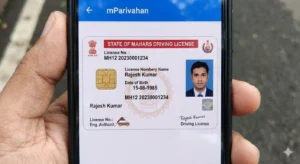
- Your Permanent Driving License is printed
- Delivered via Speed Post to your registered address
✅ Conclusion
Applying for a Permanent Driving License online in India is now simple, transparent, and time-saving through the Parivahan Sewa portal.
If you follow each step carefully:
✔ No agent required
✔ Fully online process
✔ Secure government portal